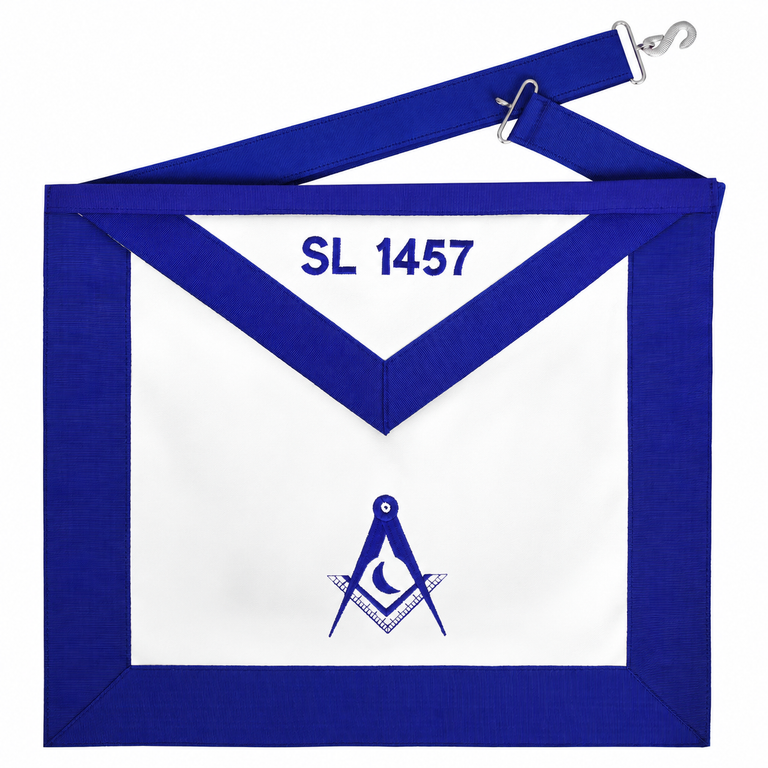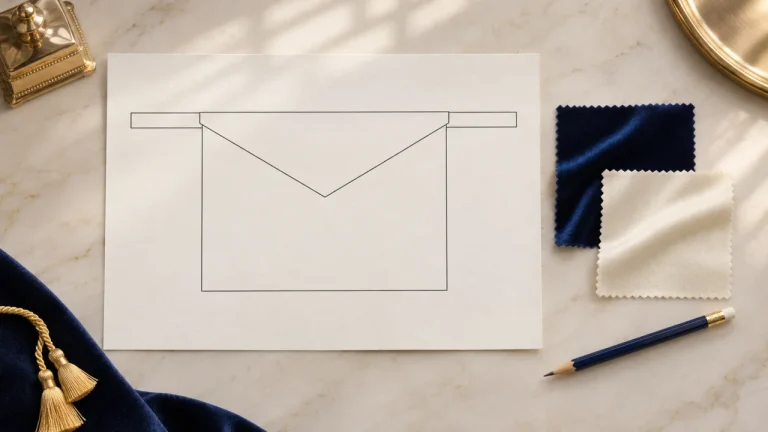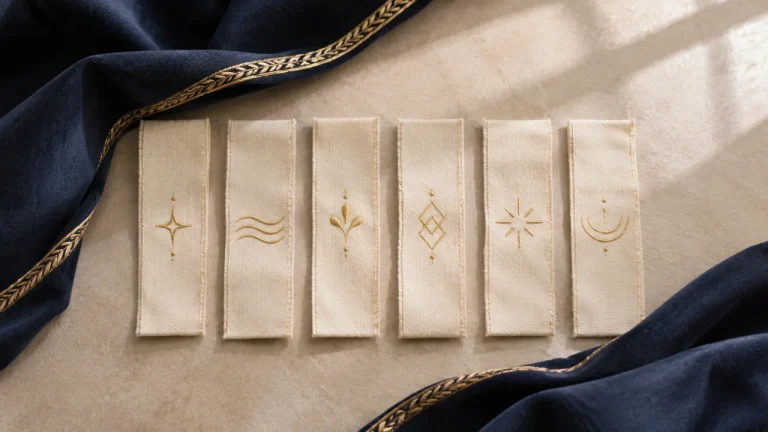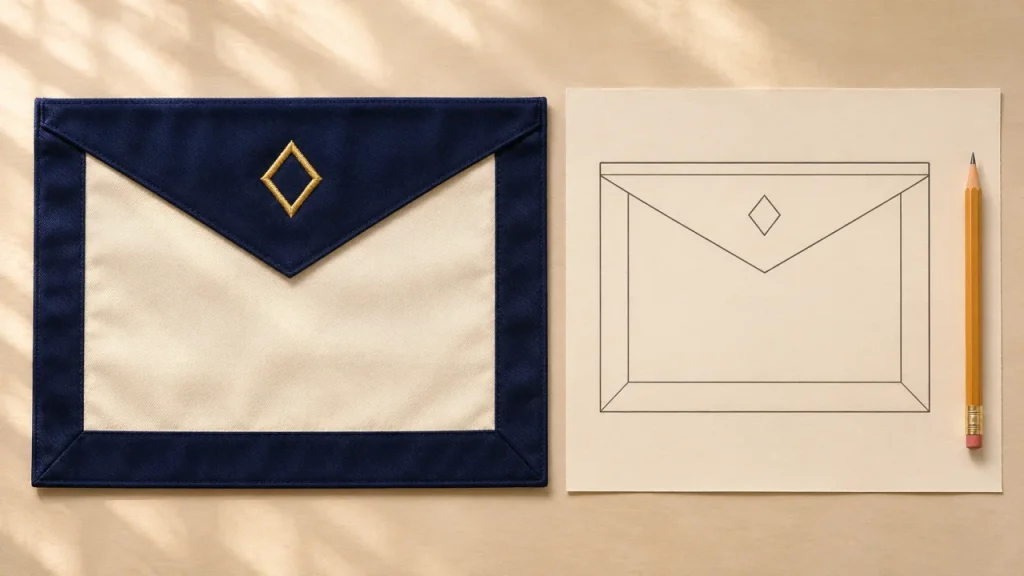
When your customized item requires a proof, compare it with the final written request instead of relying on memory. Check the details the proof actually shows before approving it.
Open the correct order
The Custom Orders guide explains that required proofs are reviewed through My Account. Sign in, open the relevant order and keep your final wording or design brief beside the proof. Proofs apply only when required; not every item includes one.
Check in a repeatable order
- Names, initials, capitalization and punctuation.
- Dates and organization or office wording.
- Line breaks and placement shown.
- Design changes agreed for this request.
- Details that remain unclear or are not represented.
Do not assume a proof image verifies physical material, size or finish unless that specification is explicitly confirmed. A screen view is one part of the order record.
Consolidate revisions
Collect corrections into a clear list tied to locations on the proof. For a lodge order, have the designated reviewer consolidate comments. Avoid approving a proof while separately asking for an unconfirmed change.
Keep the review outcome
Use the existing approve or request-revision controls when available. Keep the version reviewed with your records. If a later change is needed, ask about it before assuming an earlier approval covers the revised request.
Next step
Consult the proof guidance or open My Account to review a required proof.