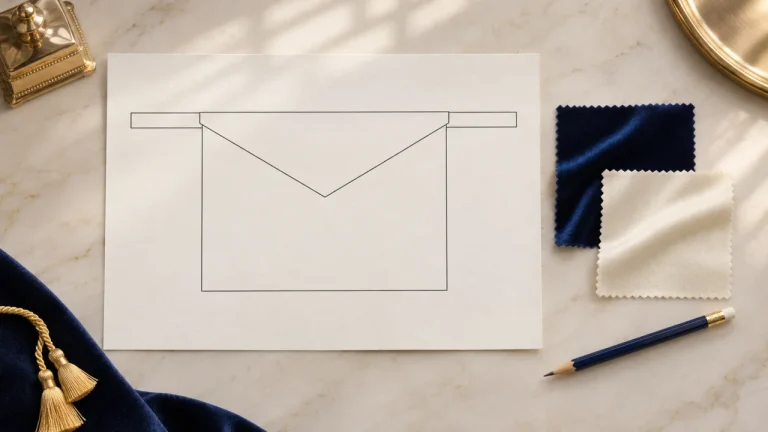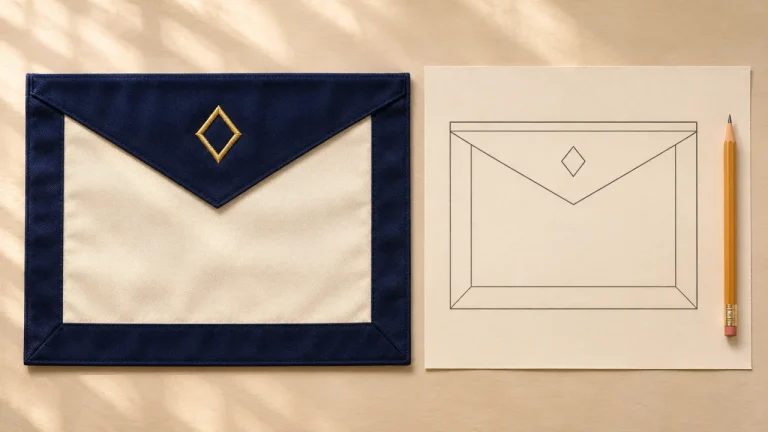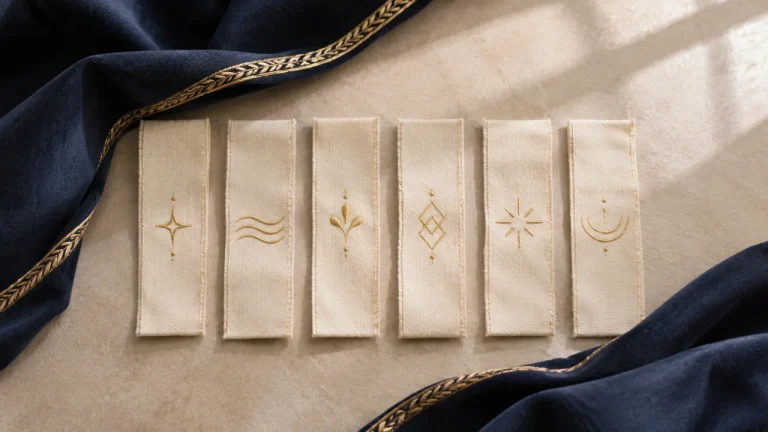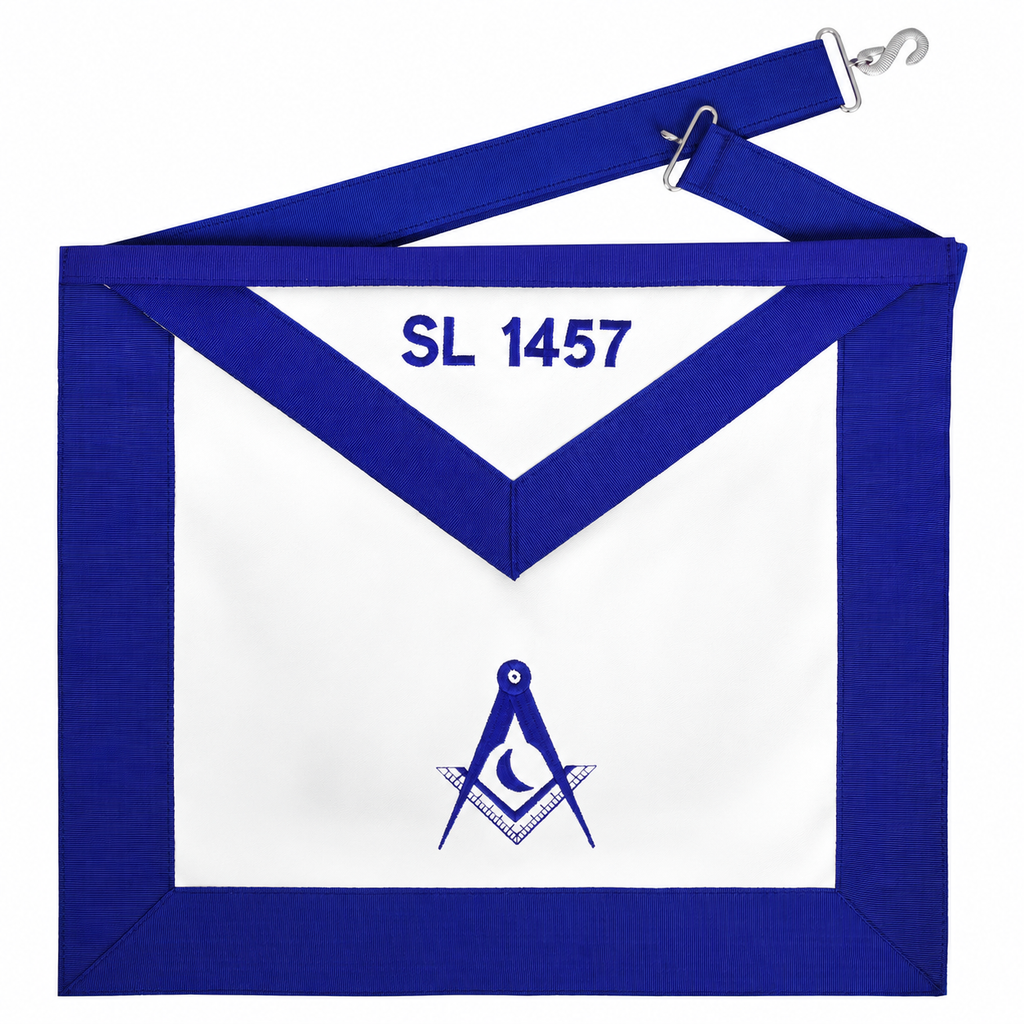
Before selecting personalization, create one final reference for the wording and artwork. That makes it easier to compare the product options, communicate the request and check a proof if your item requires one.
Prepare a copy-ready text block
Write names exactly as they should appear, including initials, capitalization, punctuation and dates. Do not rely on a file name or an earlier message to supply the final wording. Ask the recipient or designated lodge reviewer to check it before submission.
- Exact text and desired line breaks.
- Product URL and selected options.
- Organization and rank or office details.
- Requested placement, if placement needs confirmation.
Use the product’s upload instructions
Where artwork uploads are available, the product page lists accepted formats, file counts and size limits. Follow those item-specific instructions. For a bespoke enquiry, follow the Contact form’s upload guidance. Supply artwork you have permission to reproduce; a screenshot of another seller’s product is not a production-ready design specification.
Know whether a proof is required
The existing Custom Orders guide explains that proof-required customized items need an account. When a proof is ready, open the order in My Account to review, approve or request a revision. Proof approval is conditional; do not assume every item includes a proof.
Compare a required proof against your final reference, especially names, dates, office details and placement. Ask for a revision when something differs instead of approving on the assumption that it will be corrected later.
Keep the request and confirmation together
A bespoke enquiry is a request for review. Requirements and pricing must be confirmed before an order is placed. Include a required date if relevant, but do not treat the requested date as an accepted delivery commitment. Keep any confirmed changes alongside the product and personalization details.
Next step
Follow Custom Orders or send a custom enquiry with your prepared details.